Production Automation Monitoring: What to Track After Error Logs
Most automation failures do not look like errors. Track volume, cost, data quality, approvals, and outcomes before a workflow quietly drifts.
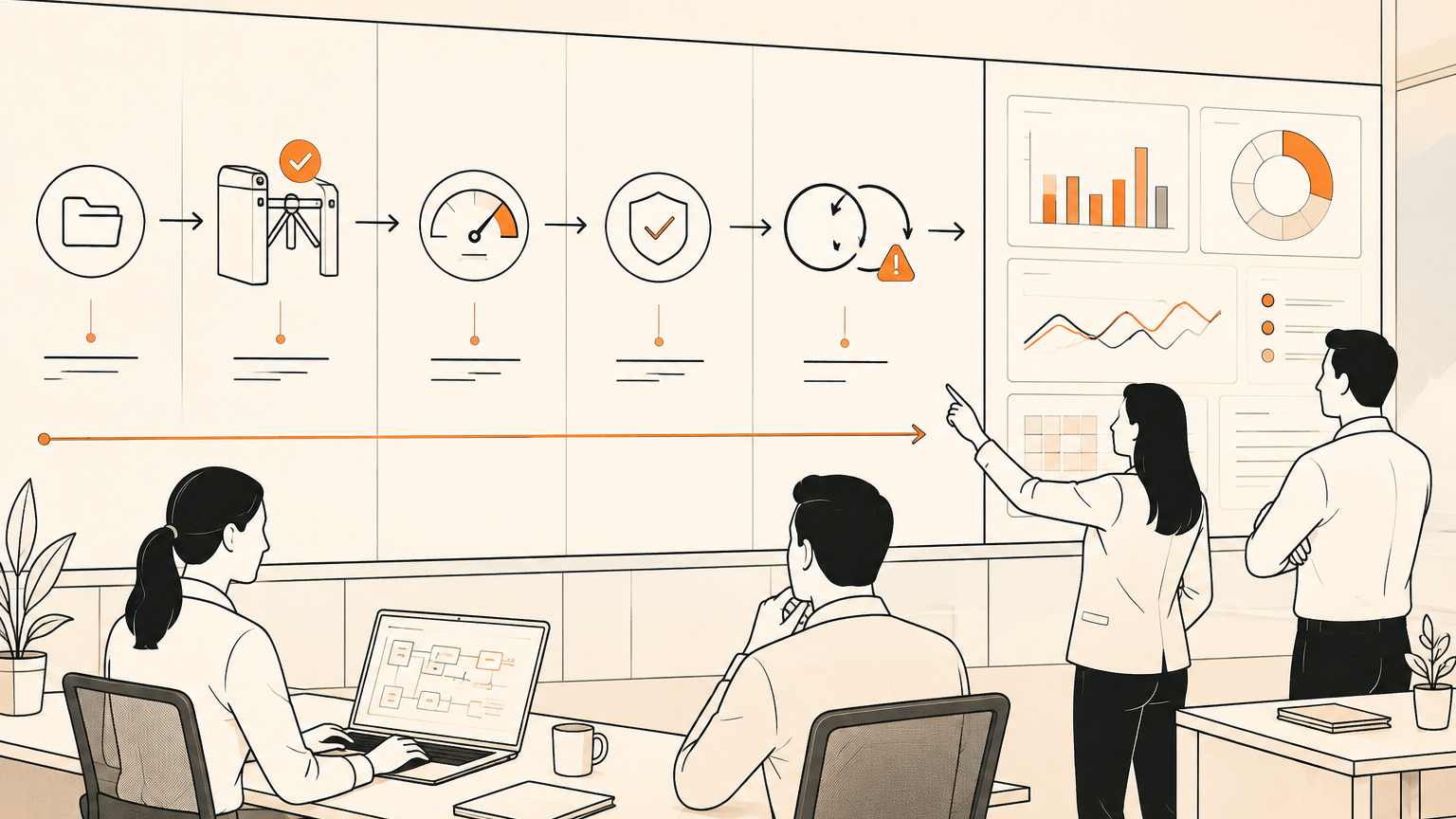
# Quick answer Production automation monitoring should track more than error logs: watch execution volume, duplicates, data quality, AI cost, approvals, customer impact, and the business outcome each workflow was meant
Quick answer
Production automation monitoring should track more than error logs: watch execution volume, duplicates, data quality, AI cost, approvals, customer impact, and the business outcome each workflow was meant to create.
When a business first automates a task, the obvious question is whether the workflow runs. Did the webhook fire? Did the email send? Did the CRM update? Did the agent finish without throwing an error?
That is a useful starting point, but it is not enough for production. The expensive failures often happen when the system technically works. A duplicate lead is created. A customer gets two messages. A support ticket is closed with the wrong summary. A model call costs ten times more than expected. A workflow finishes successfully but moves the wrong data into the wrong field.
For SMEs, that is where automation becomes an operations problem rather than a tool problem. You do not need a giant enterprise observability stack on day one, but you do need a small control layer around the workflows that touch customers, money, records, approvals, or live web systems.
Why error logs miss the real risk
Error logs tell you when software notices something broke. They do not tell you whether the business got the result it needed.
A lead-routing workflow can complete without error while assigning leads to the wrong salesperson. A document automation can generate a contract from an old template. A support assistant can send a polite answer that misses the customer's actual problem.
None of those problems need to produce a classic exception. The automation did what it was told, but the workflow design did not include enough checks.
That is why production monitoring needs two layers. The technical layer asks, did the system run? The operational layer asks, did the right work happen, at the right cost, with the right evidence, and with the right person in control?
That second layer is where trust is won or lost.
The monitoring set every SME should start with
A practical monitoring setup does not need to be complicated. Start with the handful of checks that catch silent drift.
First, track execution volume. If a workflow normally runs 20 times a day and suddenly runs 200 times, that is a business event even if every run succeeds.
Second, track duplicate runs. A form submission, invoice, booking, or signed document should carry an idempotency key so the workflow can say, we have already handled this item.
Third, track data quality. Missing fields, low-confidence AI outputs, and unexpected category values should create review queues.
Fourth, track cost. AI steps can create unpredictable spend when prompts grow, retries loop, or a higher-cost model is used for low-risk work. A founder needs to know which business process is driving spend.
Fifth, track approvals. If a workflow asks for approval before sending, submitting, refunding, deleting, or changing a record, the approval event should be logged. Who approved it? What did they review? What changed after approval?
Sixth, track final outcomes. If the automation exists to book calls, resolve tickets, update deals, route invoices, or produce weekly reports, the monitoring should connect to those outcomes.
A simple workflow example
Take a common SME workflow: a website enquiry comes in, AI classifies it, a CRM deal is created, a follow-up email is drafted, and a team member approves the message before it goes out.
A weak setup only checks whether each API call worked. A better setup tracks the whole path.
The enquiry gets a unique id. The classifier must return a category, confidence level, urgency, and reason. Low-confidence enquiries go to a review queue. High-value enquiries require human approval before the first reply. The system tracks whether a reply was sent, whether the lead responded, and whether a booked call followed.
Now the owner can see more than uptime. They can spot bad categories, duplicate contacts, slow approvals, unanswered high-value leads, and cost spikes.
That is production automation monitoring in a form a small business can actually use.
Where AI agents need extra controls
AI agents add a new risk because they can decide the next step inside a workflow. That makes monitoring more important, not less.
For low-risk tasks, an agent can observe, summarise, prepare, and recommend. For medium-risk tasks, it can draft changes but wait for approval.
The moment an agent touches a live browser, customer record, supplier portal, finance tool, or support inbox, the workflow needs stronger boundaries. Use allow-listed domains, approval checkpoints before submit actions, review snapshots, and a clear stop rule when something looks different from the expected process.
This is why GOFTUS links browser-controlled agents back to workflow ownership. The point is to make sure the business can prove what happened and reverse course when needed. See /agents for the browser and agent control layer, and /services for implementation support.
What this means for SMEs
The best first step is not buying a monitoring dashboard. It is choosing the workflows that deserve production controls.
Start with anything that touches revenue, customer trust, compliance, spend, or public output. Map the trigger, system steps, AI steps, approval points, final action, and business outcome.
A useful first dashboard might show only seven things: runs today, failed runs, unusual volume, duplicate attempts, review queue size, AI spend by workflow, and outcome completion.
From there, improve monthly. Add better categories, tighten thresholds, and move risky tasks from automatic action back into approval.
GOFTUS can help with this through a workflow diagnostic at /contact. The goal is to identify the first automation that should be monitored properly, not to automate everything at once.
Competitor lens
Workflow builders, SaaS platforms, and consultants can all be useful. Zapier, n8n, Make, CRM automations, helpdesk tools, and AI agent platforms can move work quickly. The risk is assuming the tool's success state equals a business success state.
Most platforms can tell you a step ran. Fewer can tell you whether a customer was helped, whether the right approval happened, whether spend was justified, or whether the team learned from exceptions.
That is where a managed implementation approach matters. GOFTUS focuses on workflow design, integration, monitoring, review, and improvement. The tool is part of the system, but the business outcome is the thing being managed.
Summery for SMEs
If your automation only reports errors, it is probably under-monitored. The next control layer should track volume, duplicates, data quality, cost, approvals, and outcomes.
For a small business, this does not need to become a heavy technical project. Pick one important workflow, define the normal path, set thresholds for abnormal behaviour, and make a human owner responsible for exceptions.
That is how automation becomes safe enough to scale.
FAQ
What should we monitor first in an AI automation?
Start with execution volume, duplicate runs, failed steps, review queue size, AI cost, and whether the workflow achieved its intended business outcome. These checks catch the most common silent failures before they become customer or revenue problems.
Do small businesses need enterprise observability tools?
Usually not at the start. Most SMEs need workflow-level logs, clear thresholds, approval records, and a simple dashboard tied to customer, sales, support, or reporting outcomes. The setup can become more advanced once the first monitored workflow proves its value.
When should an automation stop for human approval?
Use approval when the workflow sends customer-facing messages, changes important records, spends money, submits forms, deletes information, accesses live accounts, or produces output that could damage trust if wrong. Approval should be designed into the process before the workflow goes live.
Sources reviewed: a public automation-operator discussion about monitoring beyond errors, plus recent industry coverage on AI and agent observability from IBM and Snowflake.