n8n Automation for SMEs: Approval Gates Before Workflows Run in Production
Use n8n automation safely by mapping owners, approval gates, logs, and production rules before workflows change real business systems.
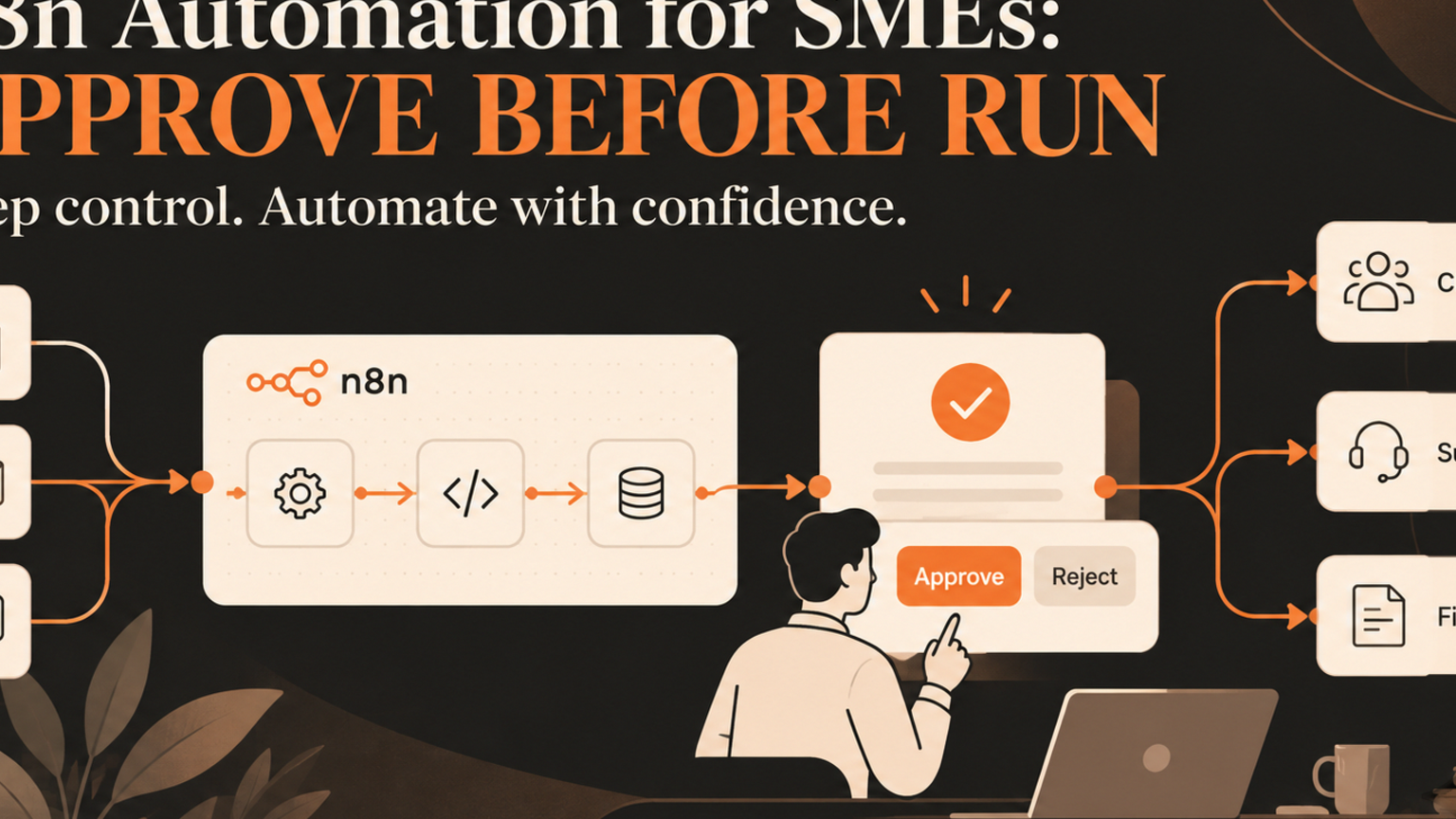
n8n automation can help SMEs move faster, but it should not go into production until each workflow has an owner, approval gate, audit trail, and rollback plan. For founders, operators, support leads, and technical leads, the risk is not that a workflow tool cannot connect apps. The risk is that a useful prototype quietly becomes a live operating process without review.
Quick answer
n8n automation is safest when SMEs treat every workflow as a controlled business process, not just a connector chain. Start with one repeatable task, decide which steps AI can prepare, mark which steps need human approval, log every action, and only then connect production systems. n8n says its plans include unlimited users, unlimited workflows, and pricing based on monthly workflow executions, regardless of complexity.[1] That makes the tool flexible, but execution limits and governance needs still have to be designed into the operating model.
What is n8n automation for SMEs?
n8n automation is the use of n8n workflows to connect apps, APIs, databases, AI models, and business systems so repeatable work can move without manual copy and paste. A workflow might capture a lead, summarize a support ticket, create a task, update a spreadsheet, notify a manager, or prepare a CRM update.
For SMEs, the appeal is obvious. Teams want faster handoffs without hiring extra admin help. They also want control. A workflow that sends a wrong customer message, overwrites a CRM field, or triggers a finance action can create more work than it saves.
What this means for SMEs
A small business can often build a useful workflow in hours. Production readiness takes more discipline.
The workflow has to answer four questions: who owns it, what does it change, when does a human review it, and how will the team know if it failed? If those answers are unclear, the business has built a shortcut, not an operating system.
Practical checklist before an n8n workflow runs in production
Use this checklist before any n8n automation touches live customer, sales, support, finance, or document systems:
Name the business owner, not only the builder.
Define the trigger clearly: form submit, email received, CRM stage change, support tag, scheduled check, or manual approval.
Separate prepare steps from act steps. AI can draft, classify, enrich, and summarize before it acts.
Mark protected actions: sending customer messages, changing CRM stages, issuing refunds, updating invoices, deleting records, or submitting web forms.
Add approval gates for protected actions.
Decide where the audit log lives and what it records.
Add failure routes for missing data, API errors, low confidence output, duplicates, and angry customer language.
Test with real edge cases before turning on automatic execution.
Set review dates so the workflow does not become invisible infrastructure.
If the checklist exposes gaps, use /services to map the workflow before building. If the workflow needs AI agents or browser-controlled actions, use /agents to define the safe action boundary first.
Workflow example: support ticket to approved CRM update
Imagine a service business wants to automate repeated customer support emails. A simple workflow reads the email, asks an AI model to summarize it, creates a support ticket, and updates the CRM account.
That looks efficient, but several steps are risky. The email may include a billing complaint. The customer may be asking for a refund. The CRM account may already have an open escalation. The AI summary may miss urgency.
A governed n8n automation handles the same work differently. It captures the message, classifies the request, checks the account, prepares a suggested summary, and routes anything sensitive to a human approver. Only after approval does it update the CRM or prepare the customer response. The workflow logs the original input, AI summary, approval decision, action taken, and exception status.
Common mistakes
The first mistake is letting the workflow builder become the owner. Builders know the nodes. Owners know the customer promise, risk, and acceptable exception path.
The second mistake is treating workflow execution volume as the only cost. n8n Cloud prices by workflow executions, and the official pricing page separates plans by monthly executions and governance features such as SSO, environments, version control, log streaming, and support levels.[1] The operational cost also includes monitoring, cleanup, approvals, and failed-step recovery.
The third mistake is buying more AI seats before mapping the work. OpenAI lists Business features such as secure workspace controls, centralized billing and administration, usage analytics, spend controls, and workspace agents.[2] Anthropic notes that usage limits can depend on message length, files, conversation length, tool usage, model choice, effort level, and multi-step tasks.[3] Those details matter because unmanaged AI usage can become capacity pressure without workflow clarity.
Competitor lens
n8n, Zapier, Make, and built-in CRM automations can all be useful. The difference is not only which tool has more integrations. The difference is who owns the workflow once it touches real business outcomes.
A platform can provide nodes, triggers, execution history, and deployment options. A consultant can build a fast proof of concept. GOFTUS adds the operating layer: workflow diagnosis, approval rules, audit logs, exception routes, and a review plan tied to ROI.
Internal CTA: map the approval path first
Before you launch the next n8n workflow, pick one process and draw the approval path. Mark where data enters, where AI prepares work, where a person reviews, where systems change, and where exceptions go.
GOFTUS can help map that path through /services, design controlled agents through /agents, and turn the first workflow into a diagnostic build through /contact. You can also review related buyer questions on /questions before choosing what to automate first.
Summery for SMEs
n8n automation is powerful when it is attached to a governed workflow. Do not treat a working prototype as production just because the nodes run. Start with one repeatable process, define owners, add approval gates, log actions, and measure the business outcome. That gives SMEs faster operations without turning automation into hidden workflow debt.
FAQ
What is n8n automation?
n8n automation uses workflows to connect apps, APIs, AI models, and business systems so repeated tasks can move with less manual effort. For SMEs, it should be designed with owners, approval gates, exception routes, and logs before it touches live systems.
When should a business use approval gates in n8n automation?
Use approval gates whenever the workflow sends customer messages, updates CRM stages, changes finance records, submits forms, deletes data, or handles sensitive complaints. AI can prepare the action, but a person should approve risky steps until the workflow is proven.
Is self-hosted automation always better for SMEs?
Not always. Self-hosting can give more control, but it also creates responsibility for uptime, security, maintenance, backups, and monitoring. The better question is which hosting choice matches the workflow risk, team skills, and support needs.
How does GOFTUS help with n8n automation?
GOFTUS starts with the business workflow, not the tool list. We map the process, define approval rules, design exception paths, connect systems safely, and help measure whether the automation improves operations.
What should SMEs measure after launch?
Measure approved actions, failed steps, exception volume, response time, clean CRM updates, avoided manual work, and customer handoff quality. Those measures show whether the workflow improves the business, not only whether it runs.
Sources
[1] n8n Plans and Pricing: https://n8n.io/pricing/
[2] OpenAI Business Pricing: https://openai.com/business/pricing/
[3] Anthropic Usage Limit Best Practices: https://support.claude.com/en/articles/9797557-usage-limit-best-practices