Browser with AI controls for SMEs: approvals, logs, and stop rules before web actions
Browser with AI controls helps SMEs automate web work safely with approval gates, audit logs, login boundaries, and clear stop rules.
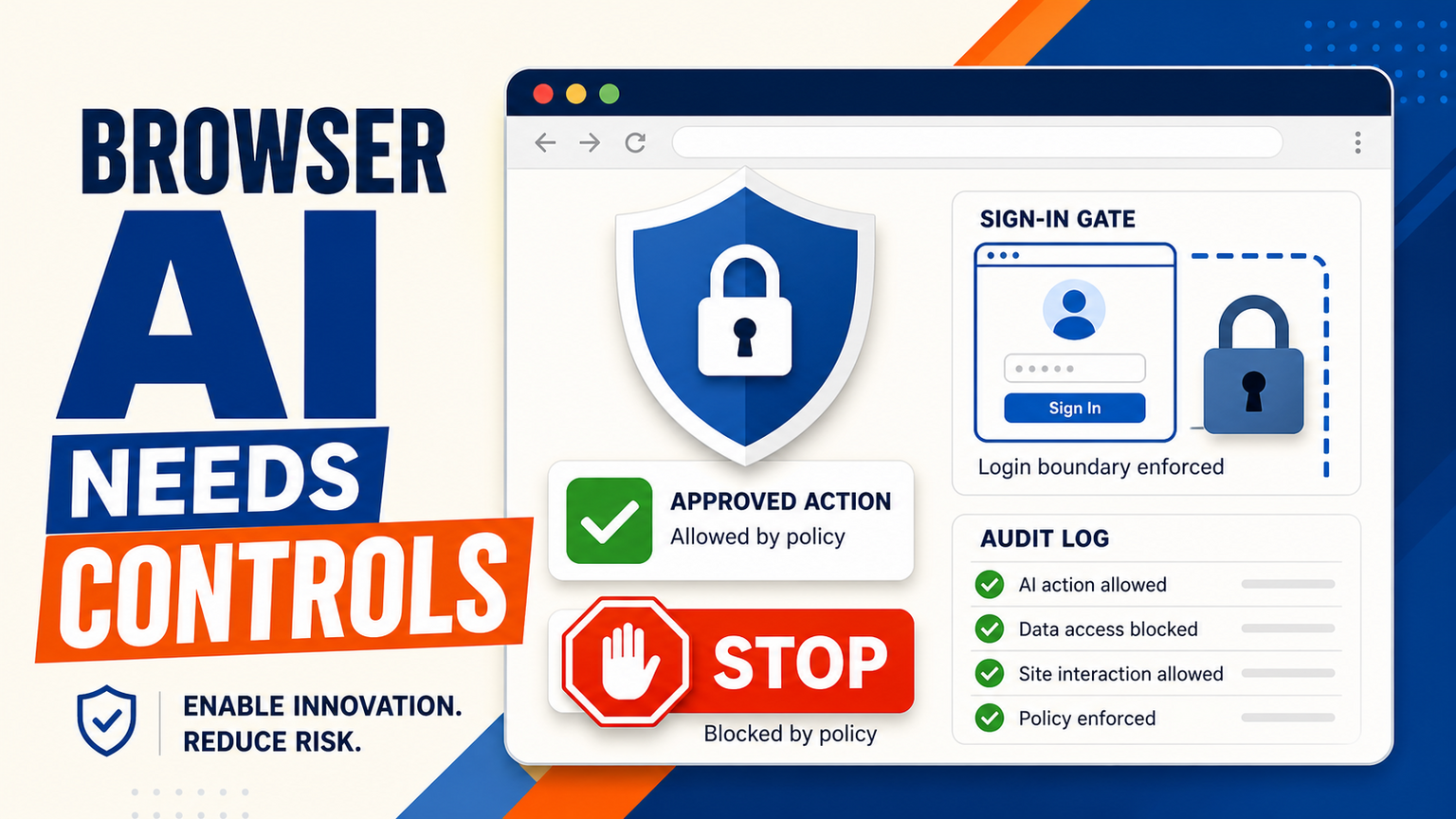
# Browser with AI controls for SMEs: approvals, logs, and stop rules before web actions Browser with AI controls means an AI assistant can help with web based tasks, but only inside rules the business has already approv
Browser with AI controls for SMEs: approvals, logs, and stop rules before web actions
Browser with AI controls means an AI assistant can help with web based tasks, but only inside rules the business has already approved. The fresh signal is that security teams are paying closer attention to AI agents in browsers. Google related Chrome security coverage and AI browser vulnerability reporting both point to the same practical lesson for SMEs: the browser is where many customer, finance, CRM, support, and supplier workflows actually happen.
For GOFTUS clients, the buyer problem is not whether a browser agent can click faster than a person. It is whether the action is narrow, reviewed, logged, reversible, and owned by a human workflow owner. A safe setup lets AI prepare a quote, draft a support update, check a supplier portal, or collect lead context, then pauses before submit, bind, delete, refund, purchase, or record changes. That is why this post targets browser with AI controls, not generic AI browser hype.
What this means for SMEs
Most SMEs already run important operations inside web apps they do not fully control. A sales team may update HubSpot, Pipedrive, or a supplier portal. Support staff may answer tickets inside a browser. Finance may download invoices, reconcile records, or chase payment links. Operations may book couriers, check stock, or update order status. These are exactly the places where browser based AI agents can help, but also where an unchecked action can create cost, privacy, or trust problems.
The recent news around AI browser controls and AI browser vulnerabilities is useful because it moves the conversation away from demos and toward operating design. If a browser agent can see a page, fill a field, click a button, or follow instructions from page content, the business needs clear boundaries. The risk is not only a malicious site. It can also be a confusing prompt, a stale policy, a login session with too much access, or a staff member asking the agent to do something outside the approved workflow.
A practical SME plan starts with one narrow workflow. Pick a task such as collecting lead information from a form, checking shipment status, preparing a draft ticket reply, gathering invoice details, or comparing supplier prices. Then separate the workflow into four lanes: observe, prepare, approve, and act. AI can observe the page and prepare the next step. A named human approves sensitive actions. Only low risk actions happen automatically. Every action is recorded in a simple log.
GOFTUS builds this as workflow automation, not a one off browser bot. The first version should document allowed websites, readable fields, writable fields, blocked buttons, exception owners, and stored evidence. If the workflow touches customer data, contracts, payments, employment, or regulated records, approval and audit trails are not optional.
GOFTUS connects browser agents to AI agent delivery through /agents and broader workflow delivery through /services, so staff work faster without giving an assistant a blank cheque inside every web app.
What SMEs should do next
First, list the browser tasks that waste time but still need judgement. Good candidates include copy and paste work between CRM and support tools, lead research before a sales call, invoice checking, supplier portal lookups, document downloads, FAQ answer drafting, or status updates. Avoid starting with refunds, cancellations, legal submissions, payroll, bank payments, or irreversible customer promises.
Second, define the stop rules before choosing a tool. A browser agent should stop when the page asks for a password, payment confirmation, identity document, personal medical detail, legal acceptance, data export, account deletion, or a change that affects a customer. It should also stop if page content instructs it to ignore company policy, if the data looks inconsistent, or if the action is outside the workflow brief.
Third, make approvals visible. Many tools can automate clicks. Fewer teams design a useful approval queue. A manager should see what the agent plans to do, the source page, the customer or record affected, the reason, and the suggested next action. The approval should be quick enough that staff use it, but structured enough that the business can review mistakes.
Fourth, connect the browser action back to the system of record. If an agent gathers lead data, the CRM should show the source and next step. If it drafts a support answer, the ticket should show the sources used. This is how browser with AI controls becomes a business workflow instead of another shortcut.
SaaS tools such as Zapier, n8n, Make, Bardeen, Gumloop, Lindy, Relevance AI, and Stack AI can be useful for connecting apps and triggering browser or agent workflows. Consulting firms in the UK, US, and Europe, including Faculty AI, Deeper Insights, Waracle, Brainpool AI, LeewayHertz, Markovate, SoluLab, BairesDev, Addepto, STX Next, Netguru, and 10Clouds, can also help larger teams plan AI programmes.
The gap for SMEs is usually ownership after the demo. Who decides whether the AI can click submit? Who reviews errors? Who updates the policy when a website changes? Who checks whether the workflow saves time, reduces rework, or creates support risk? Tools automate tasks. GOFTUS automates the workflow around the task.
GOFTUS positions browser control work around small, measurable operating outcomes. That can mean fewer missed leads, faster support triage, safer document handling, cleaner CRM updates, or a better handoff from FAQ automation into sales and service. The implementation includes the lane design, permissions, approval gates, audit logs, staff training, and monthly improvement loop.
Browser based AI agents are becoming more capable, but SMEs should treat the browser as a controlled work surface, not an open playground. The safest first project is narrow, repeatable, and easy to review. Let AI observe pages, collect context, and prepare actions. Require approval before customer, finance, legal, support, or account changes. Keep logs that show what happened, why it happened, and who approved it.
If your team is already using AI inside web apps, GOFTUS can help turn that scattered usage into controlled AI agent workflows through /agents and practical automation delivery through /services. The £100 Startup Kit diagnostic is a sensible starting point when you want a quick map of which browser tasks are safe to automate first, which need human approval, and which should stay manual.
What is browser with AI controls?
Browser with AI controls means AI can assist with web based work while the business defines allowed sites, allowed actions, approval steps, login boundaries, and logs. It is not the same as letting an agent freely click through every web app.
Which browser actions should need human approval?
Actions such as submit, buy, refund, delete, bind, export, change customer records, send customer messages, or accept legal terms should usually pause for human approval. Low risk information gathering can often be automated sooner.
How can GOFTUS help with browser AI agents?
GOFTUS designs the workflow around the browser task, then connects it to CRM, support, documents, reporting, or FAQ automation. The result is a controlled agent workflow with owners, review gates, and logs, not just a bot that clicks faster.
Source signal: GOFTUS content intelligence prioritised the exact query browser with ai controls for upcoming posts and showed adjacent AI agent, AI governance, and approval workflow demand. Reddit and X were optional in this run; xurl was not installed locally, so no X signal was used.