AI Workflow Diagnostic: The Checklist Before You Automate Anything
Before automating a workflow, check ownership, frequency, data quality, approval risk, ROI, exception handling, and the smallest useful pilot.
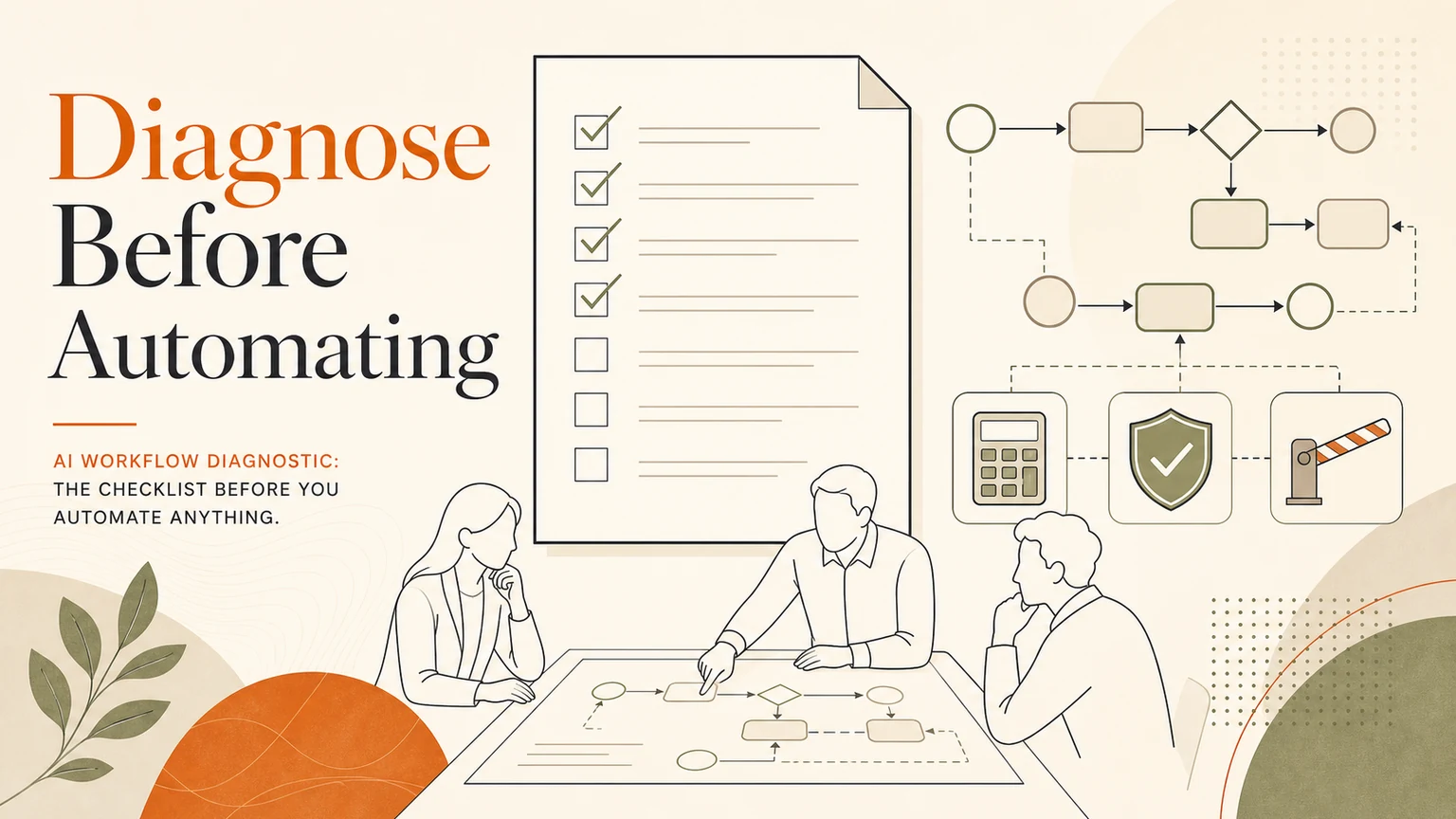
# Quick answer An AI workflow diagnostic checks whether a business process is ready for automation before anyone builds an agent, integration, or dashboard. The checklist should cover the workflow owner, frequency, manu
Quick answer
An AI workflow diagnostic checks whether a business process is ready for automation before anyone builds an agent, integration, or dashboard. The checklist should cover the workflow owner, frequency, manual effort, data quality, approval risk, exception paths, tool access, and the measurable result that would make the pilot worthwhile.
If a workflow cannot be explained clearly, it usually should not be automated yet.
Why diagnosis comes first
AI automation fails when teams automate confusion. If nobody owns the current process, if the rules change every week, or if the data is scattered across private conversations, an AI tool will only make the mess faster.
A diagnostic slows the work down just enough to protect the business. It separates what should be automated now from what should be cleaned up first.
The AI workflow diagnostic checklist
Use this checklist before approving a build.
1. Workflow name
Name the workflow in plain language. For example: qualify inbound leads, route support questions, prepare weekly operations reports, update CRM after calls, or check supplier forms.
If the name is vague, the scope is probably vague too.
2. Workflow owner
One person should own the workflow. They do not have to do every task, but they must know what good looks like and who approves exceptions.
Without an owner, automation has no accountable reviewer.
3. Frequency and volume
Count how often the workflow happens. Daily repeated work is usually a better first automation candidate than rare strategic work.
Good candidates include repetitive inbox triage, form processing, lead follow-up, document checks, reporting, and customer-service classification.
4. Manual effort
Estimate the current time cost. A simple ROI view is enough for the first pass:
manual minutes per task x tasks per month x people involved.
Then compare that with the pilot cost and the expected time saved. Do not pretend the automation removes all work. Human review, exceptions, monitoring, and improvement still matter.
5. Data and tools
List the systems involved. This might include email, CRM, spreadsheets, helpdesk, document storage, browser portals, calendars, or internal databases.
If the workflow depends on messy data, the first build may need a cleanup or capture step before AI can help.
6. Risk level
Decide which steps are safe for AI to draft and which steps need approval. Any action involving payments, refunds, legal wording, customer promises, account changes, private data, or public publishing should have a review gate.
7. Exception paths
Automation should not break when the case is unusual. Define what happens when AI is uncertain, data is missing, a customer asks for a person, a record conflicts with another system, or a browser task reaches a risky submission step.
8. Logs and evidence
Every useful workflow should leave evidence. The log should show what arrived, what AI prepared, who reviewed it, what action was taken, and what changed in the system.
Logs turn automation from a black box into an operating process.
What the ROI calculator should measure
A workflow automation ROI calculator does not need fake precision. It should answer:
How many times does this workflow happen per month?
How long does it take today?
What percentage can AI prepare safely?
How much review time remains?
What error or delay cost might be reduced?
What new work becomes possible if the workflow is faster?
The best pilots measure time saved, cycle time, response quality, follow-up completion, and error reduction.
GOFTUS recommendation
Start with the smallest workflow that is repeated, measurable, and painful. Use the diagnostic to decide whether AI should draft, classify, route, search, prepare records, or operate a browser with approval.
Then build only the first useful slice.
Next step
Use /resources/ai-agent-governance-checklist to prepare your workflow, then bring the strongest candidate to /contact for a GOFTUS diagnostic.