AI Tools for Business: The Workflow Diagnostic Before You Add Another Agent
AI tools for business should start with a workflow diagnostic, approval gates, audit logs, and owner-led handoffs before another agent touches real work.
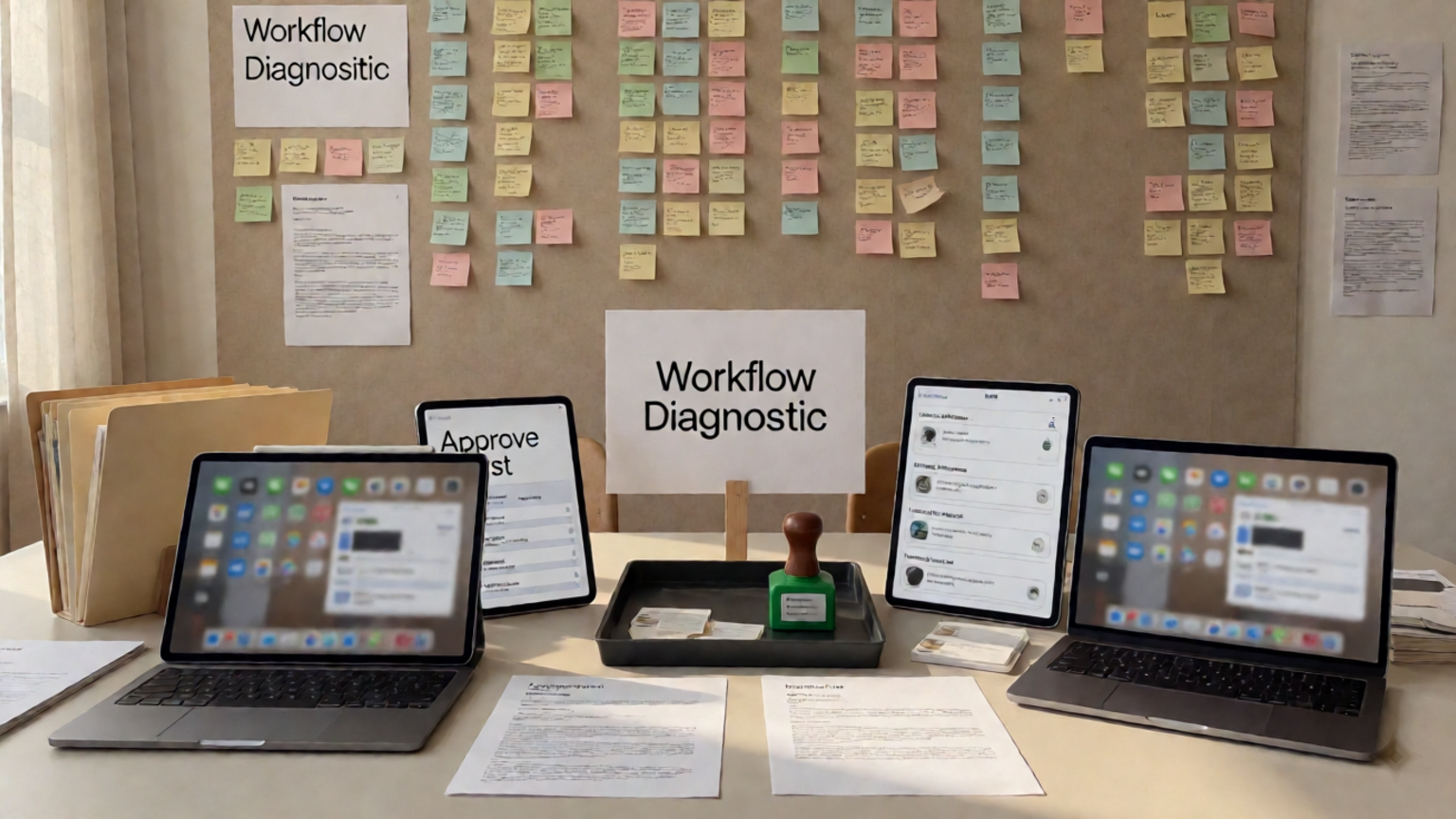
AI tools for business should not be chosen by asking which model looks most impressive. They should be chosen by asking which workflow needs help, who owns the decision, what the tool may touch, and where a human must approve the outcome. For founders, operators, support leads, and marketing teams, the risk is that a useful tool gets connected to messy work without a workflow diagnostic, approval gate, or audit log. GOFTUS treats AI tools as workflow infrastructure first and software subscriptions second.
Quick answer
AI tools for business work best when the business diagnoses one workflow before adding another agent or subscription. Map the trigger, owner, tool access, approval rule, handoff, and success measure. Then use AI to observe, prepare, draft, route, or check work before it acts. This protects trust because the tool improves a real workflow instead of creating another disconnected app.
What are AI tools for business?
AI tools for business are software products that help with work such as support replies, document review, lead routing, reporting, content drafting, browser actions, and CRM updates. Some answer questions. Others behave more like agents because they can plan steps, use tools, and adjust based on results.
Anthropic describes an AI agent as a model that directs its own process and tool use, with a model, harness, tools, and environment each becoming a possible oversight point.[1] That matters for SMEs because when a tool can send, update, delete, submit, or change something, the buying decision becomes an operating decision.
Why another AI tool can make work slower
A new AI tool often looks fast in a demo because the demo hides the workflow. Real business work includes missing context, exceptions, approvals, customer history, data quality, and ownership.
If a support AI drafts replies but nobody defines refund rules, it creates more review work. If a marketing AI generates content without brand review, it creates rework. If a sales AI enriches leads but the CRM owner does not trust the source, the team still checks everything manually.
OpenAI documentation separates automatic guardrails from human review and says approvals pause a run so a person or policy can approve or reject a sensitive action.[2] That is a useful pattern for ordinary business workflows, not only technical teams.
What this means for SMEs
SMEs do not need an enterprise AI committee before every experiment. They need a small set of operating rules before AI touches customer-facing or system-changing work.
Start with one painful workflow: support, lead follow-up, quote preparation, reporting, onboarding documents, content approval, or CRM cleanup. Map what happens today. Then decide where AI should observe, prepare, approve, act, and review.
GOFTUS uses that diagnostic to separate safe automation from risky automation. Safe work might include summarising a request, drafting a reply, tagging a lead, or checking a document. Risky work includes final customer messages, refunds, public publishing, form submission, price changes, or browser actions. Those need approval workflows and logs.
Practical checklist before buying another AI tool
1. Name the workflow, not the tool.
2. Assign one owner.
3. Define the trigger.
4. List the systems the AI may read from and write to.
5. Split access into observe, draft, update, send, submit, delete, and approve.
6. Mark each action as safe, approval-only, or blocked.
7. Decide what evidence the reviewer needs.
8. Log request, source, proposed action, approver, final action, exception, and outcome.
9. Measure time saved, errors avoided, handoff speed, cost, and booked follow-up.
10. Review failed runs weekly before widening access.
If the checklist feels detailed, that is the point. A workflow diagnostic finds hidden decisions before a tool turns them into hidden risk.
Workflow example: support handoff before agent rollout
Imagine a business wants AI tools for first-line support. The team already has a help inbox, knowledge base, CRM, and payment system. Without a diagnostic, the AI may draft replies, update the wrong customer record, or suggest refunds without checking policy.
A controlled workflow is cleaner. The AI reads the message, classifies it, finds answers, checks customer status, drafts a reply, and suggests the CRM update. Refunds, account changes, complaints, contract questions, and angry customers require human approval before anything leaves the business.
After approval, the workflow sends the reply, updates the CRM, creates a follow-up task, and stores the audit trail. If the agent needs a browser or external portal, GOFTUS applies the same principle on /agents: observe first, prepare the action, ask for approval, then act inside a defined boundary.
Common mistakes to avoid
Do not buy AI tools because a competitor uses them. Buy them because one workflow has a measurable bottleneck. Do not connect tools to live systems before defining read and write permissions. Do not treat a human approval button as the whole control. The reviewer needs context, source evidence, and a clear reject path.
Do not automate bad handoffs. If sales and support ownership is unclear, AI may make confusion faster. Do not measure only time saved. Measure trust, error reduction, response quality, and whether the work creates qualified next steps.
Competitor lens
AI tool directories, no-code platforms, and agent builders are useful for discovery and prototyping. They help teams see what is possible quickly. What they rarely solve alone is workflow ownership.
A tool may connect Gmail, HubSpot, Notion, Slack, Airtable, Microsoft 365, or a website form. It does not decide who owns the process, which step needs approval, what proof must be shown, how errors route, or whether the workflow should exist.
That is the GOFTUS gap. We help SMEs turn AI tools into managed workflows with diagnostics, approval gates, audit logs, CRM handoffs, support routing, document review, browser controls, and improvement loops. Start with /services, compare options on /agents, and use /questions for common buyer questions.
Internal CTA: diagnose before you subscribe
Before your team buys another AI tool, book a focused GOFTUS workflow diagnostic. We will map one workflow, define approval rules, and show what should stay human. The result is a practical automation path instead of another disconnected subscription.
Summery for SMEs
AI tools for business should be judged by workflow fit. Pick one process, map the owner and trigger, define what the AI can read or change, require approval for sensitive actions, log decisions, and review outcomes before expanding. The best tool makes a valuable workflow faster, safer, and easier to improve.
FAQ
How should a business choose AI tools for business?
Choose AI tools by workflow, not by feature list. Start with one repeated task, define the owner, map handoffs, decide what the tool can touch, and measure a clear outcome such as faster replies, cleaner CRM follow-up, fewer document errors, or better reporting.
What is a workflow diagnostic for AI tools?
A workflow diagnostic reviews how work moves today, where delays happen, which systems are involved, where approval is needed, and what evidence a person needs before AI acts. It turns a tool decision into an operating decision.
When should an AI tool need human approval?
Require approval when the tool sends a customer message, changes a CRM or finance record, submits a form, edits a public page, deletes data, makes a promise, changes price, or acts inside a logged-in browser. Low-risk preparation can usually move faster.
Why does GOFTUS focus on approval workflows?
GOFTUS focuses on approval workflows because SMEs need automation they can trust. Human-approved AI automation lets teams move faster while keeping control over customer-facing, financial, public, browser-based, and hard-to-reverse actions.
Source notes
[1] Anthropic on agent layers and oversight. [2] OpenAI on guardrails and human review. [3] NIST on AI risk management and trustworthiness.
Sources
[1] https://anthropic.com/research/trustworthy-agents
[2] https://developers.openai.com/api/docs/guides/agents/guardrails-approvals
[3] https://www.nist.gov/itl/ai-risk-management-framework